Features
What the register holds
Schedule, health, money, drawings, risks and people: one set of records, read by the PM in the morning and rolled up for the director by the afternoon.
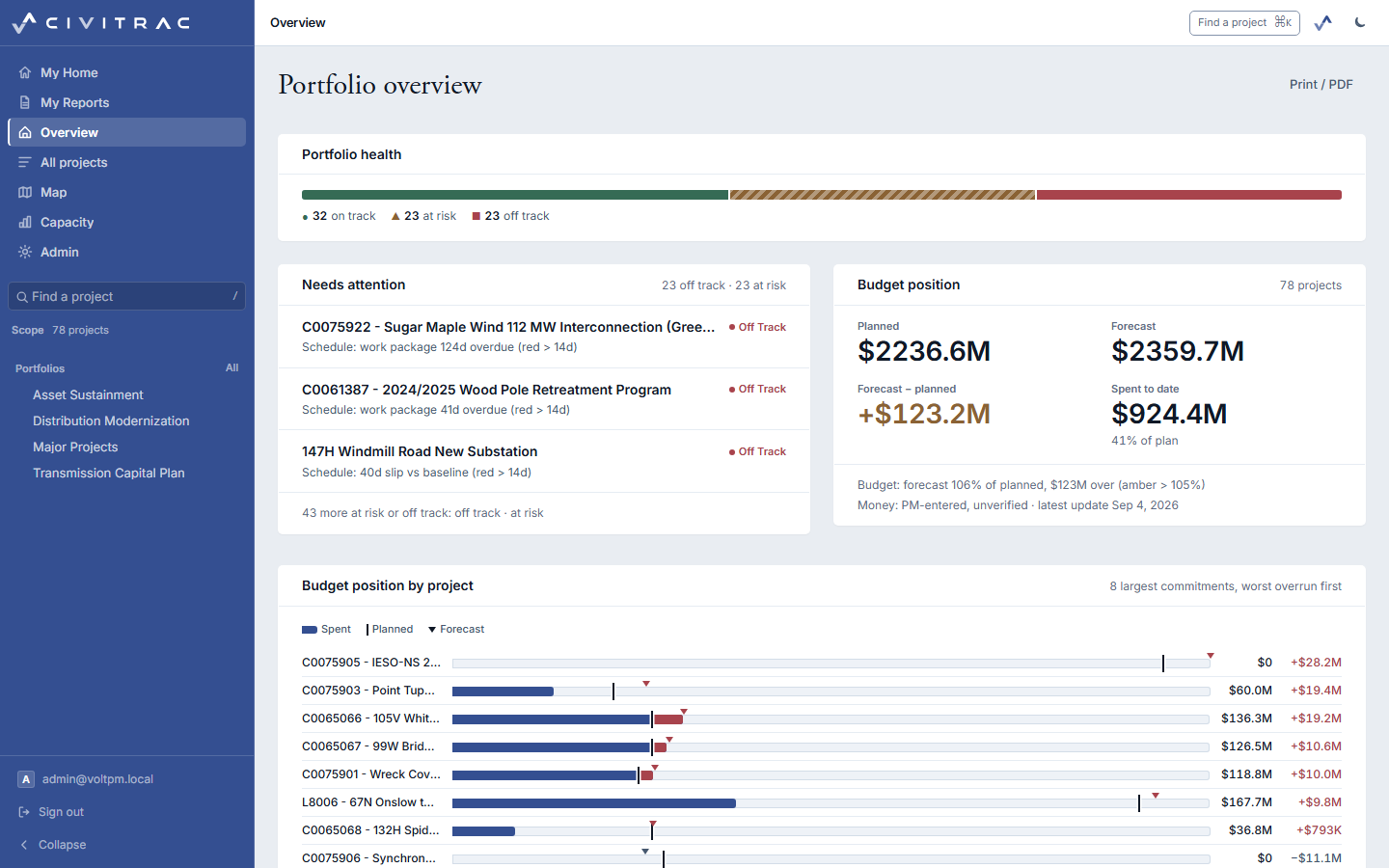
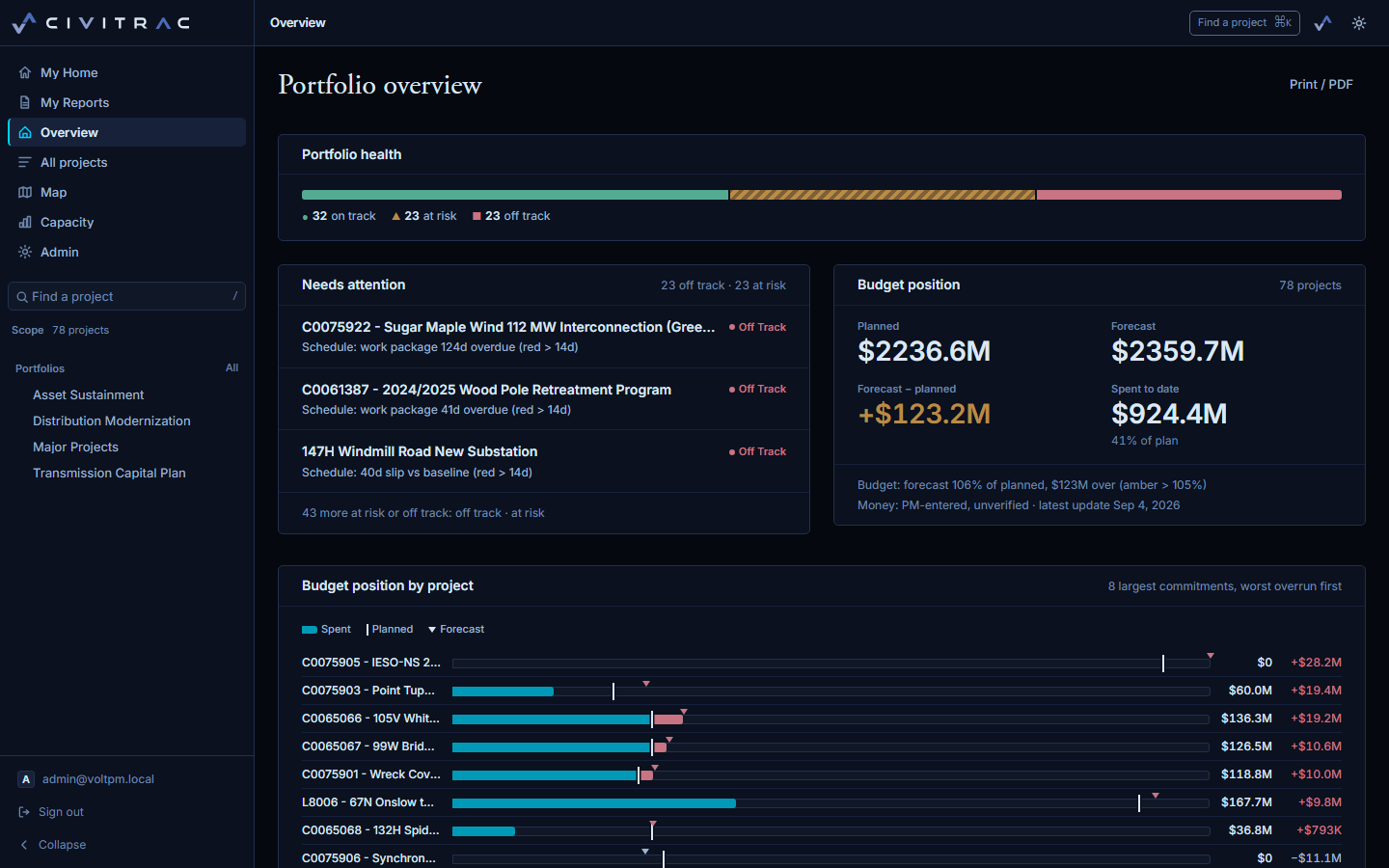
A schedule with its own engine
Work packages in a grid beside the gantt, or either on its own. Links of every kind, lag, float and the critical path, computed here rather than imported, and drawn in one colour. Baselines are captured, re-captured and compared; a working-day calendar keeps the dates honest.
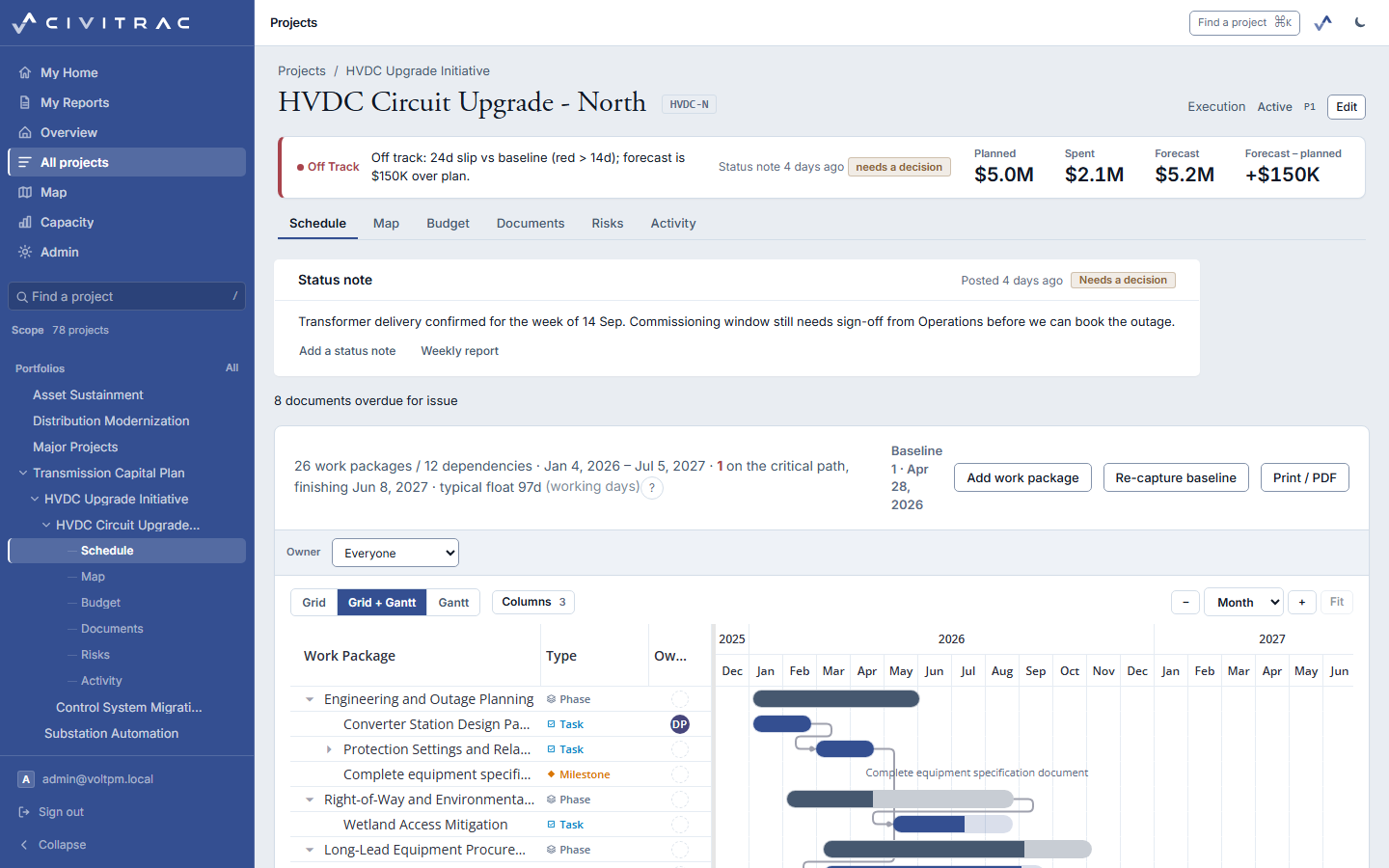
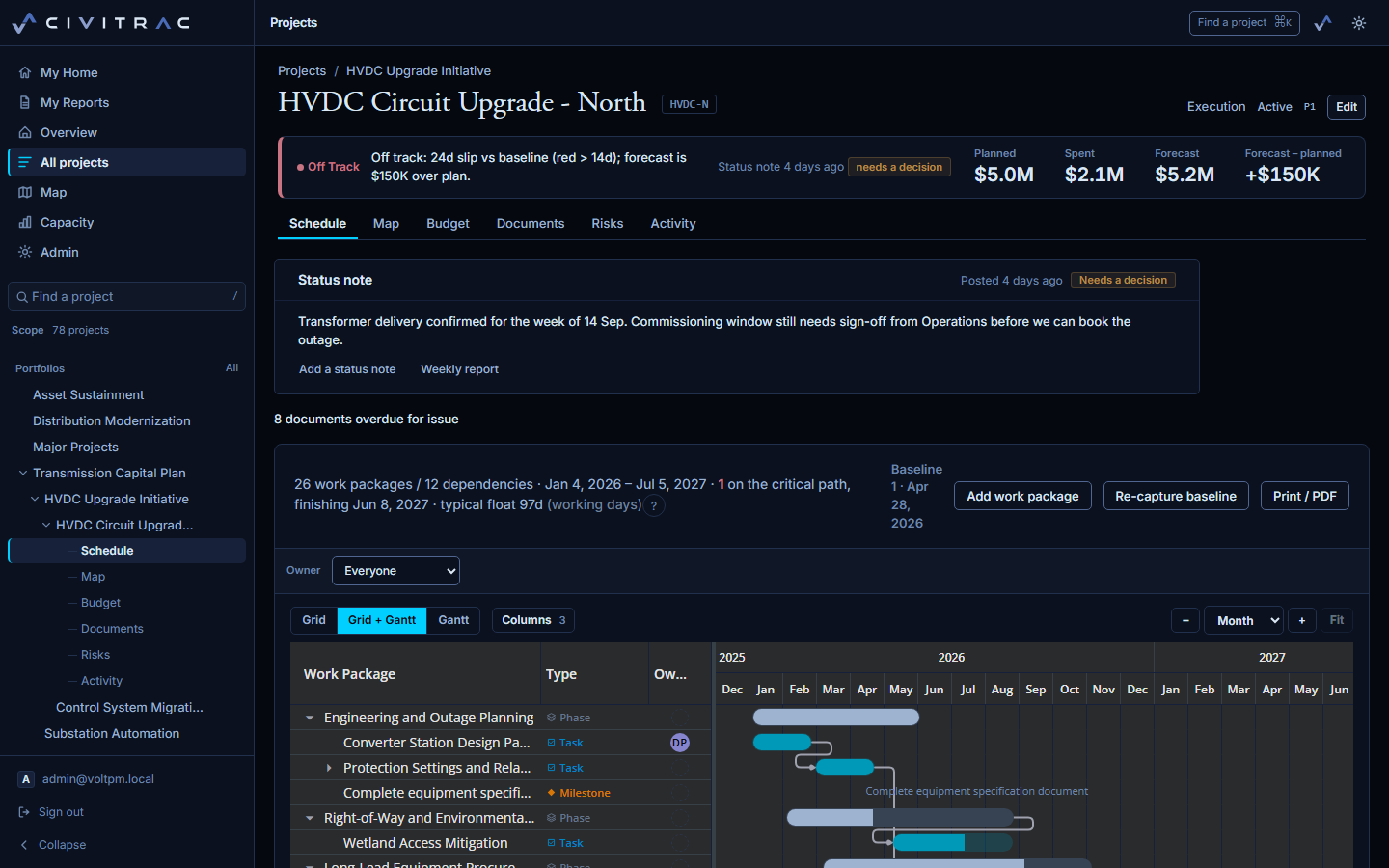
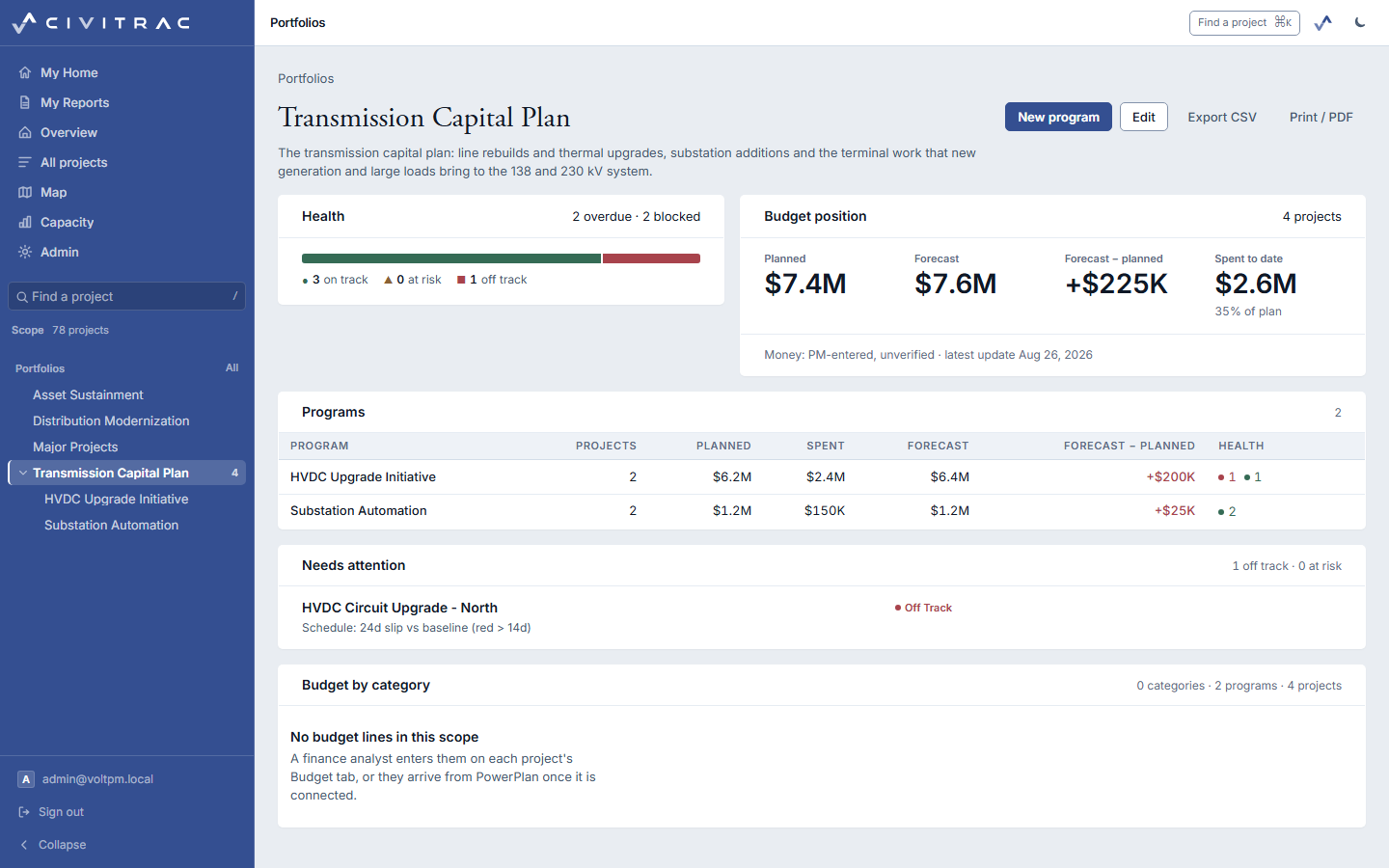
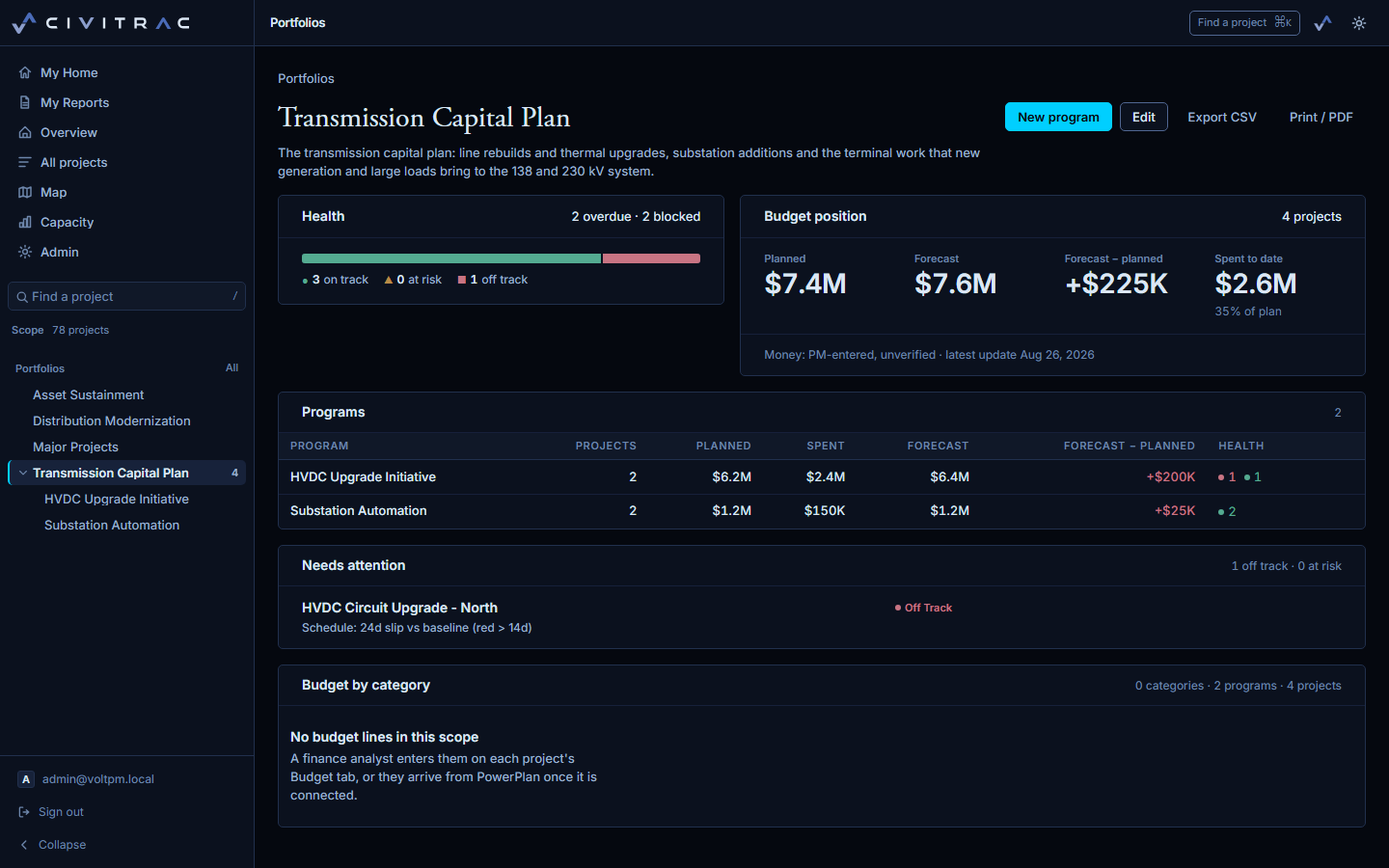
Health that says why
On track, at risk and off track are derived from the records, never picked, and drawn as a rising Λ, a level bar and a falling V. Slip against baseline, forecast against plan and the age of the last status note each trip a stated rule, and the rule is printed beside the reading. Programs and portfolios roll the same reading up, with the projects that need attention and the reason for each.
Drawings under control
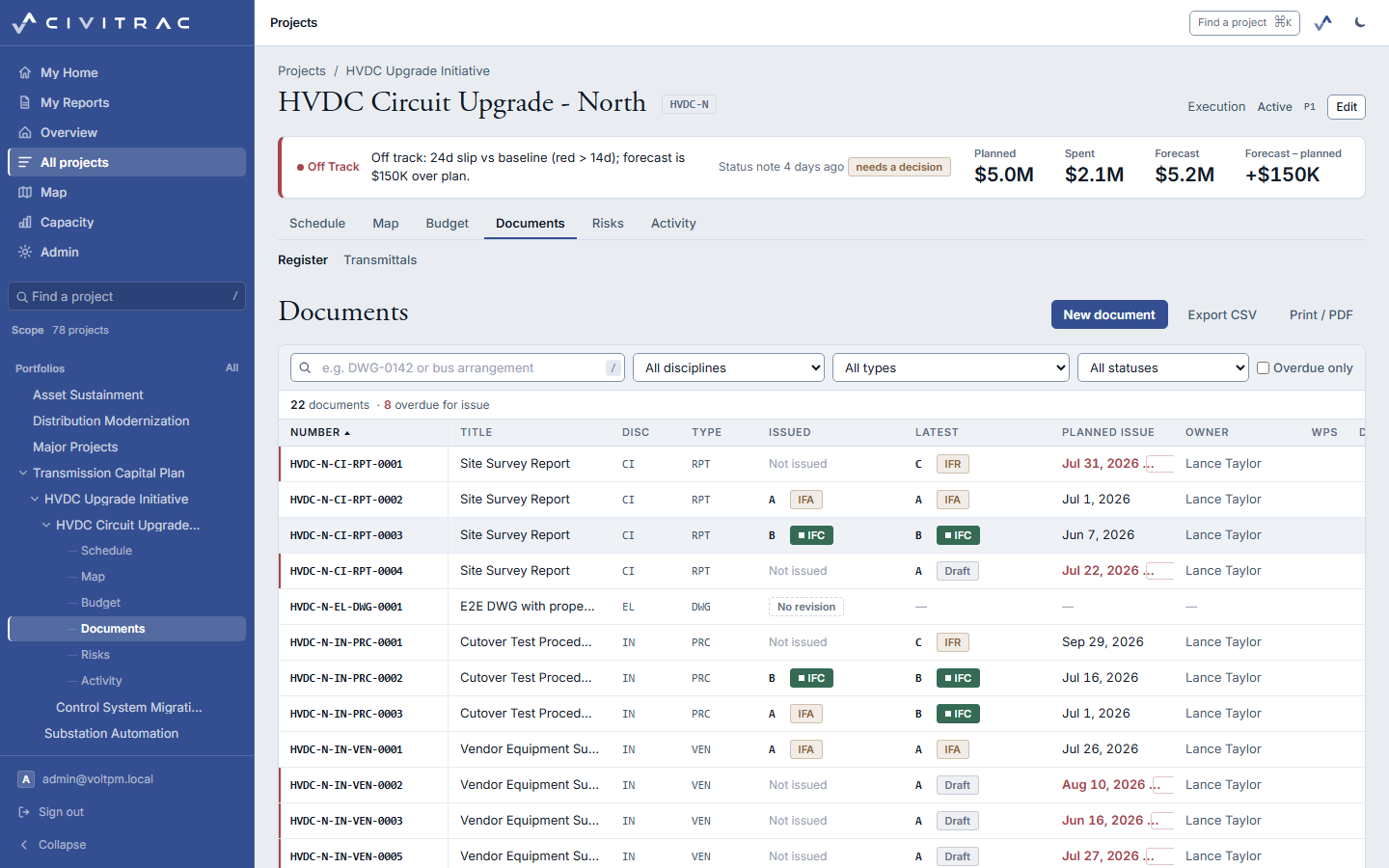
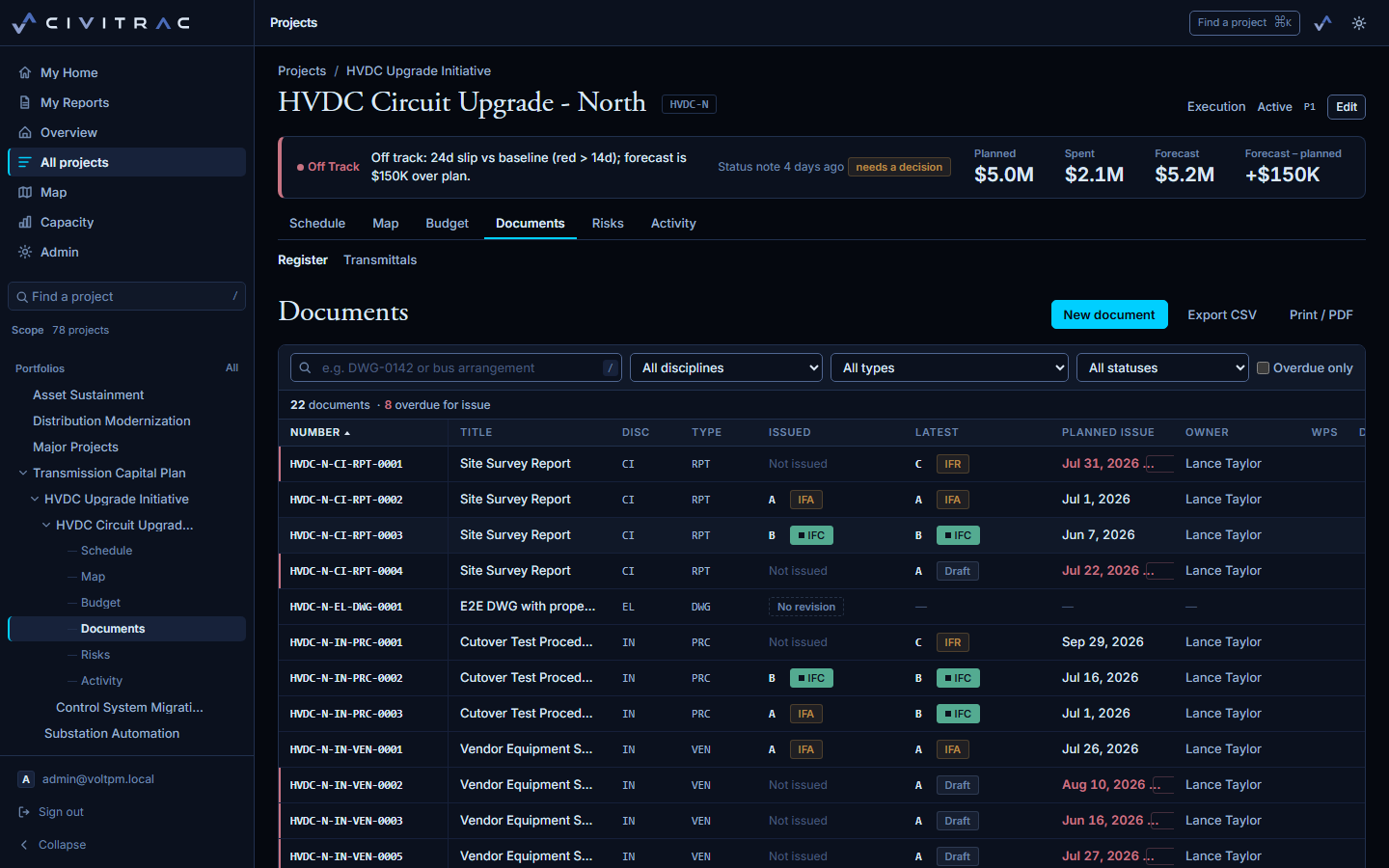
A register numbered in the owner's own convention. Revisions move through IFR, IFA and IFC; issuing a new one supersedes the last and keeps it. Planned issue dates put an overdue count on the project header, and transmittals go out with an acknowledgement link the recipient opens without an account.
Every project on the map
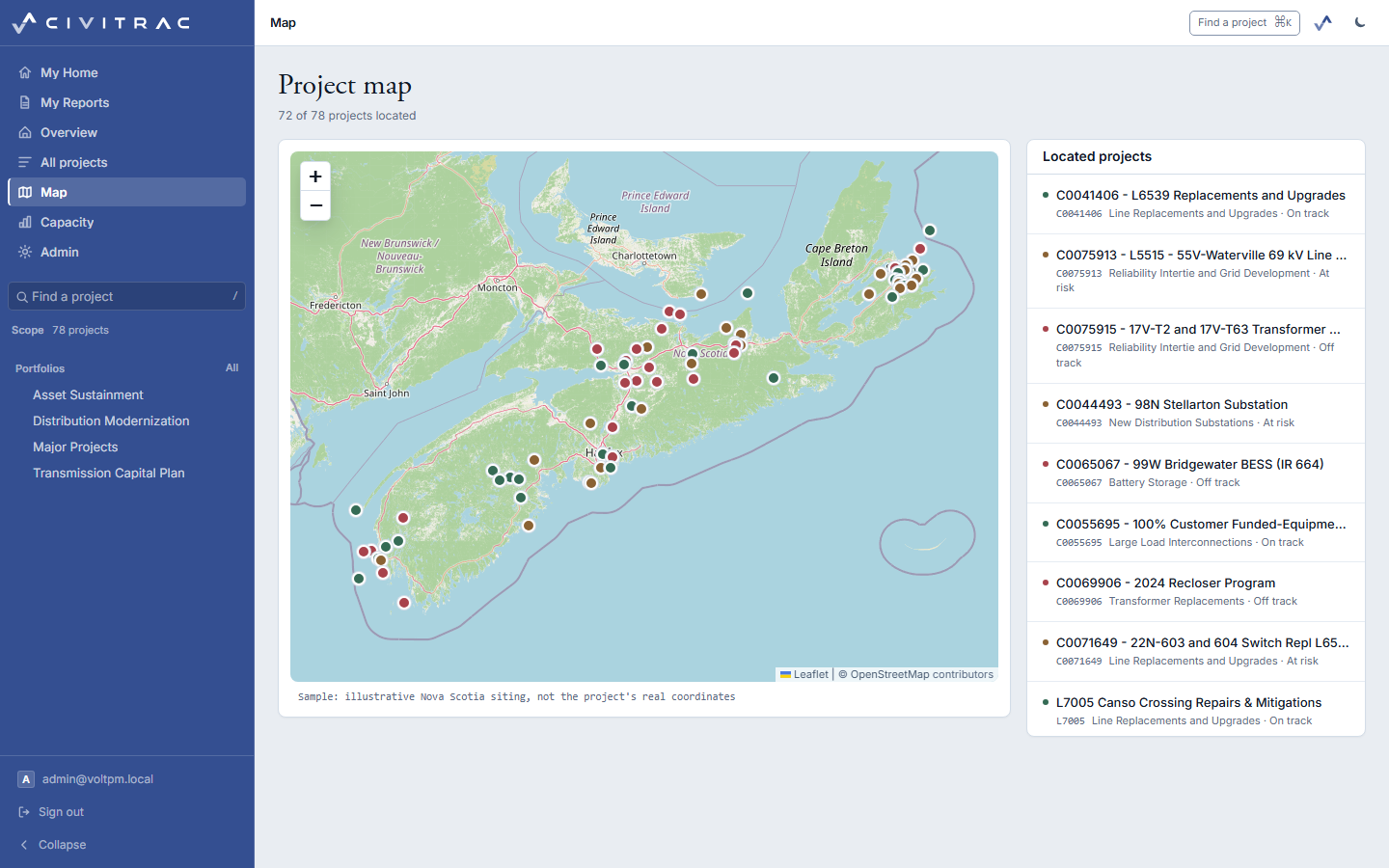
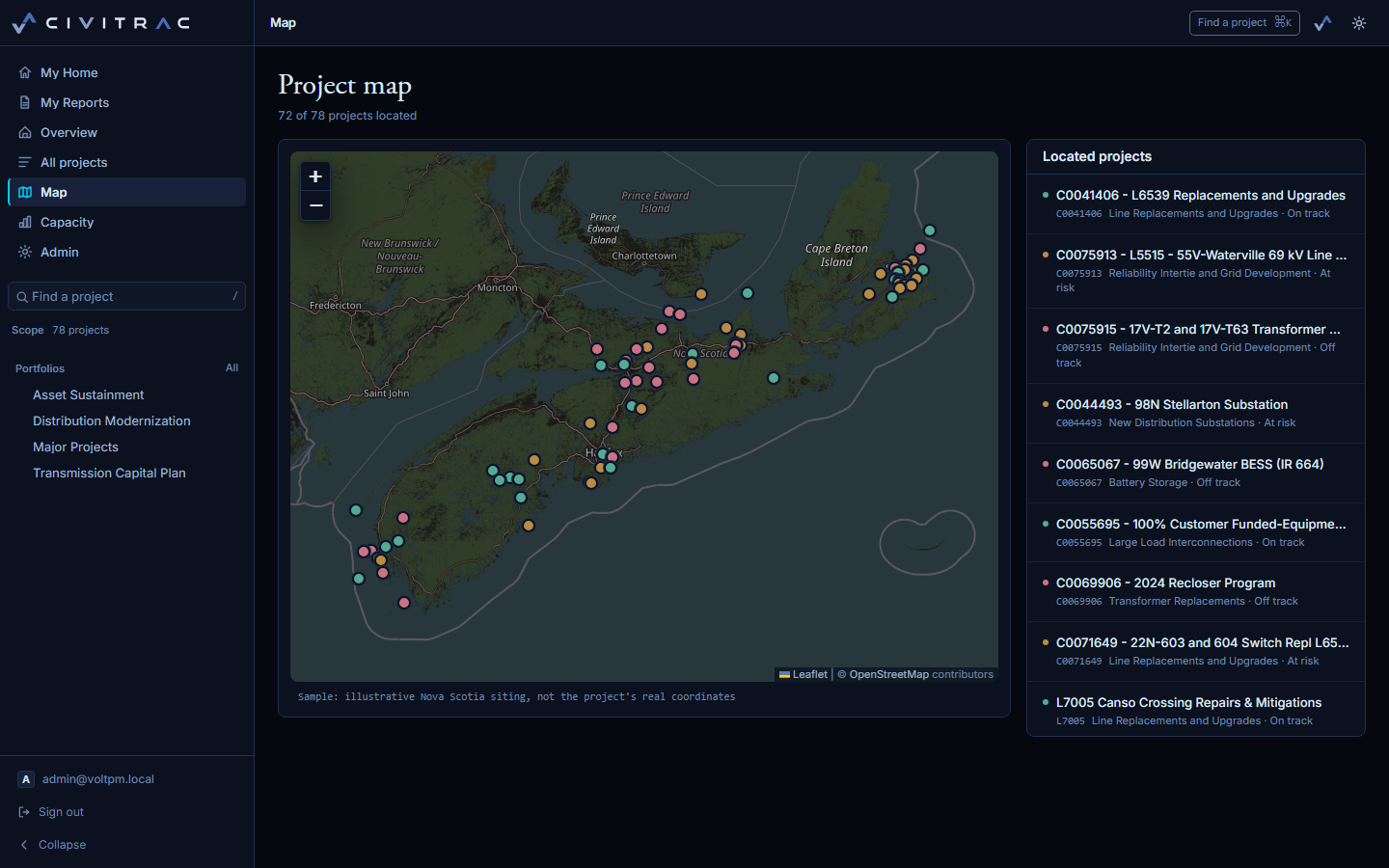
Located projects on one map, coloured by health, with the list beside it. The sample sites its projects across Nova Scotia; yours sit where they are.
Capacity before it is a slip
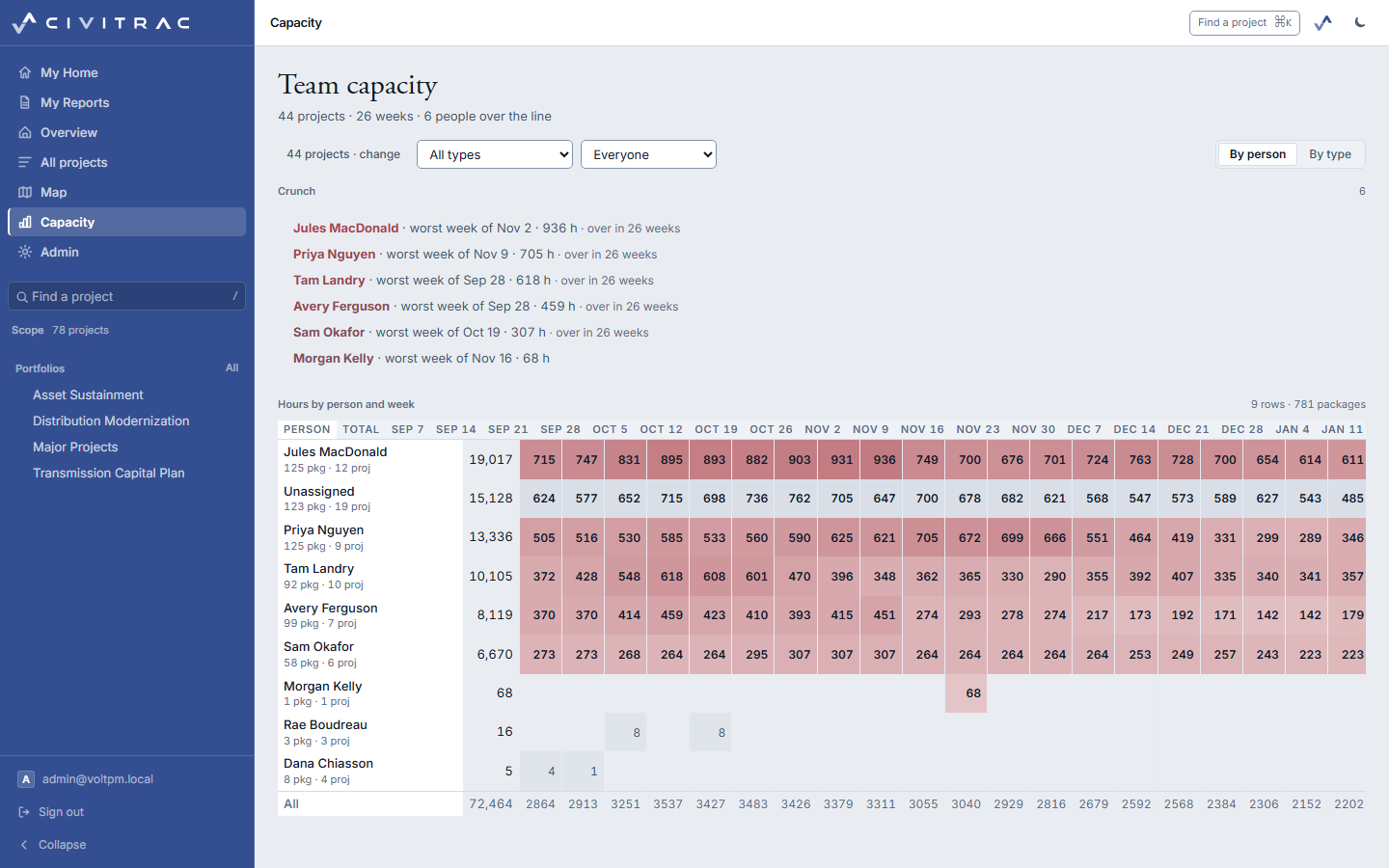
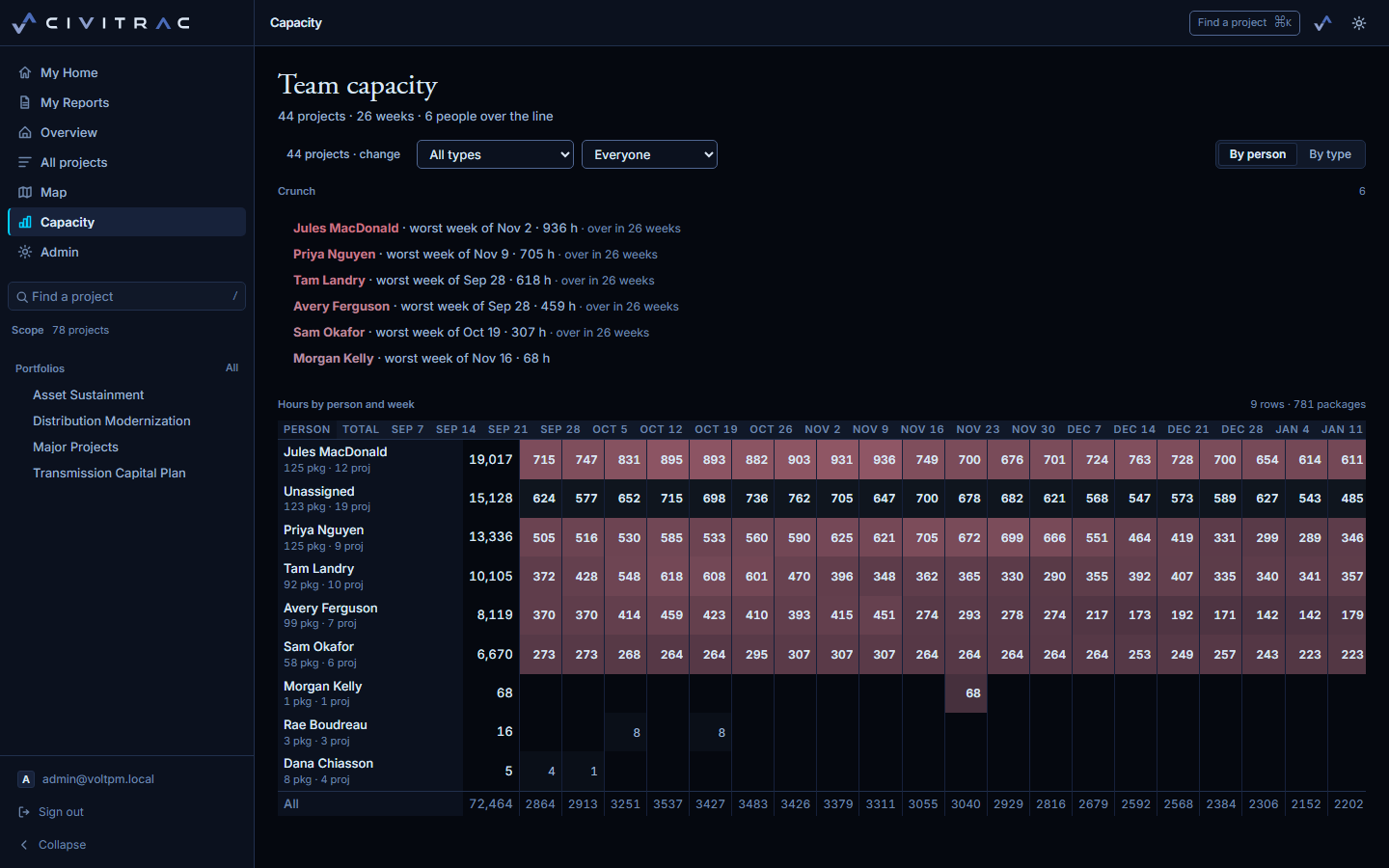
Hours by person and week across every project in scope, with the weeks over the line named at the top. A crunch shows here before it shows as a slip on a schedule.
Also in the register
- Budget lines, charges and forecasts Lines per project, a charges ledger, and a forecast per line with its method and as-of date. CPI and SPI, worked from actual spend and percent complete against the planned budget, feed health.
- Risks and issues A register per project, scored five by five, with the roll-up at the program.
- Procurement and material Requisitions, purchase orders, contracts, change orders and RFPs; material items, reservations and orders with a short-stock flag.
- Status notes and the weekly report A note per project, a decision flagged when one is needed, and the report written from them.
- The activity journal Every change to a project, a document or a package, with who and when, as one feed.
- Print and CSV Every register prints to PDF and exports to CSV.
The assistant
Ask for the report in plain words
"Build me a weekly report on the Substation program for the director." The assistant asks what to include, builds a one-page report with a KPI band, the spend curve and the health donut, and saves it under My Reports with a version.
It reads only what you can open and writes only what is yours: reports and its own notes, never project data.
See it on your own slate
A walkthrough runs on the sample, or on a portfolio you send ahead so the screens show your projects.