Demo
See it on your own slate
A walkthrough runs on the sample slate, or on a portfolio you send ahead so the screens show your projects.
Four screens, in the order a week runs
The overview
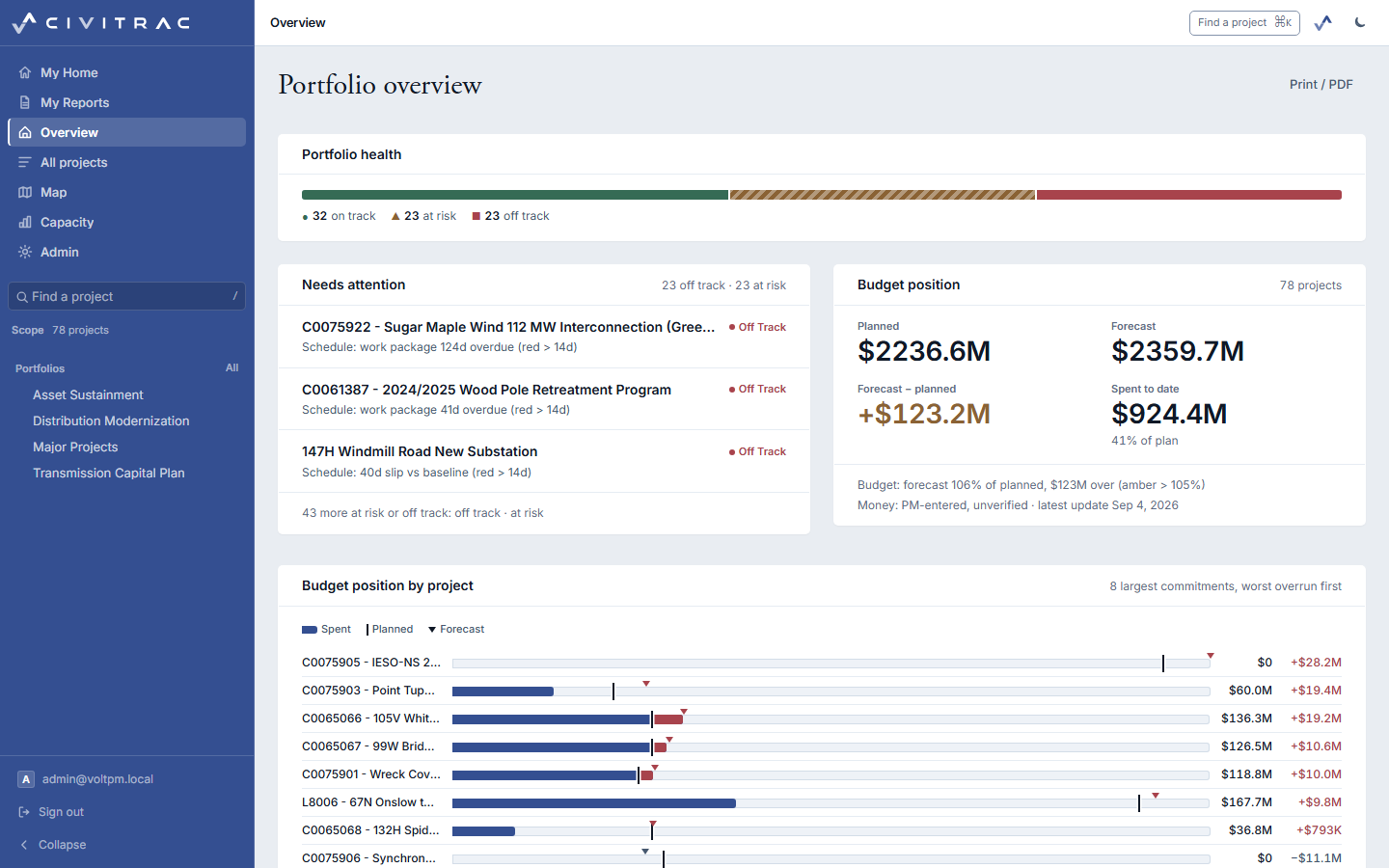
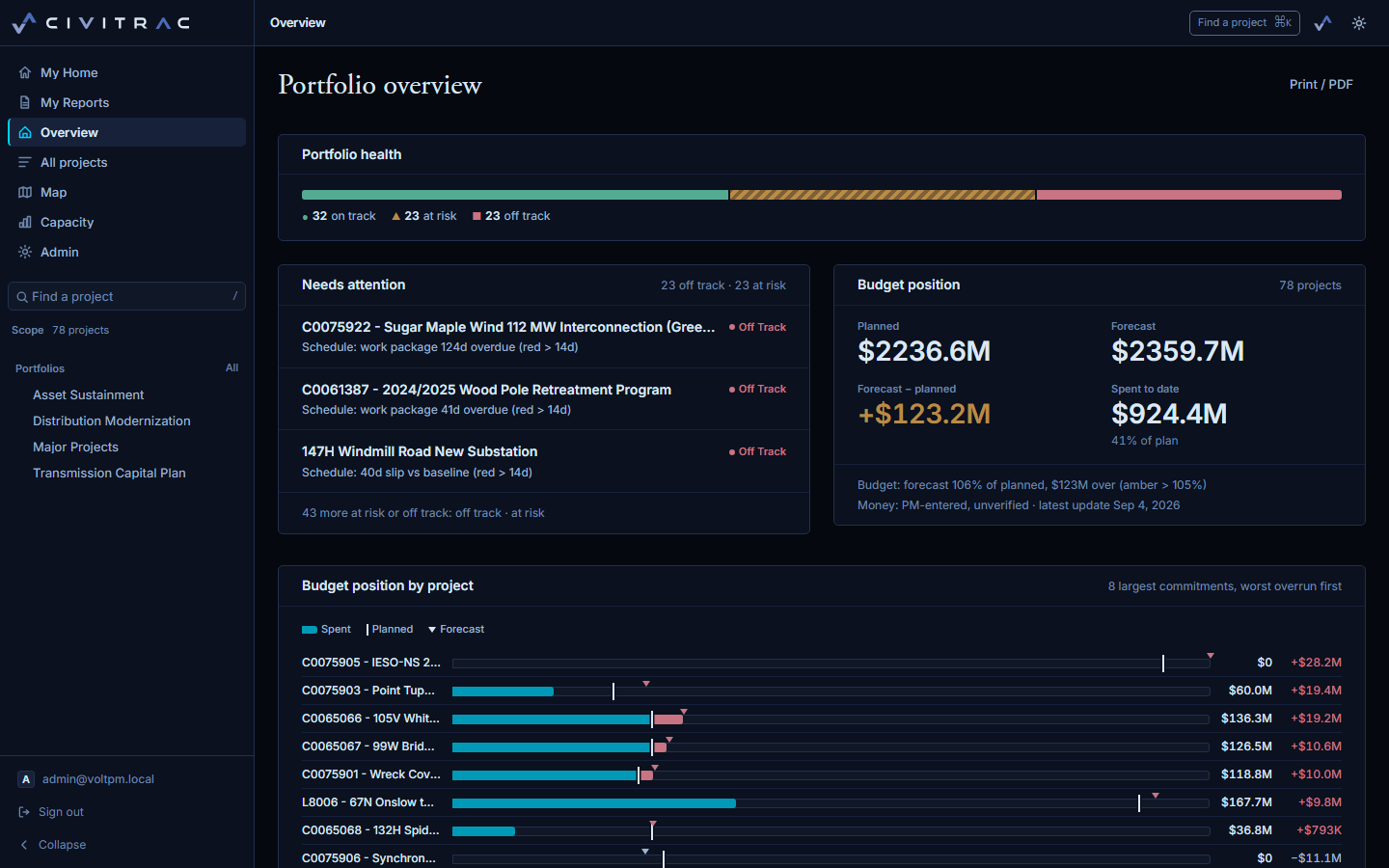
Health across the portfolio, the projects needing attention and why, the budget position with its provenance line.
A project
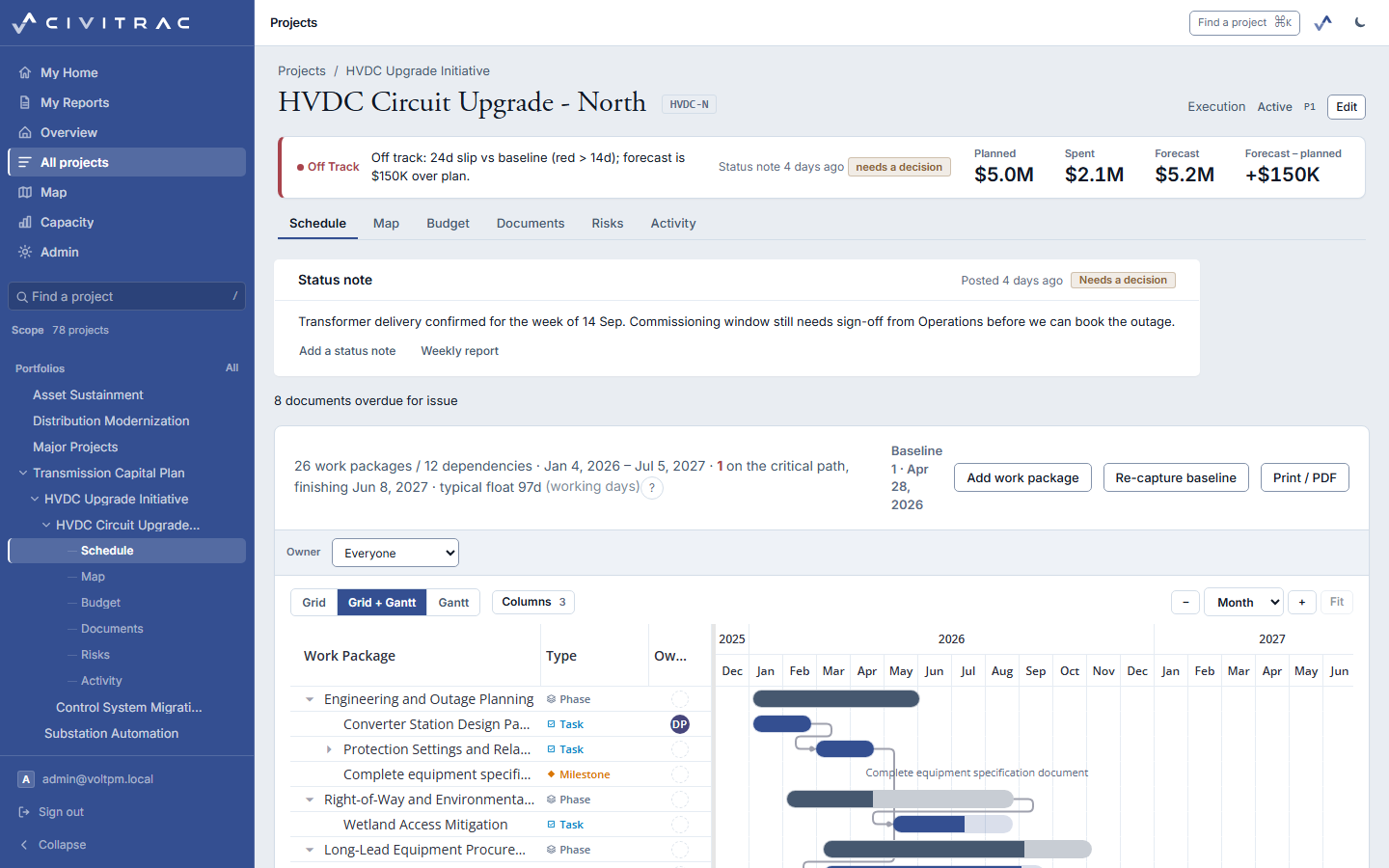
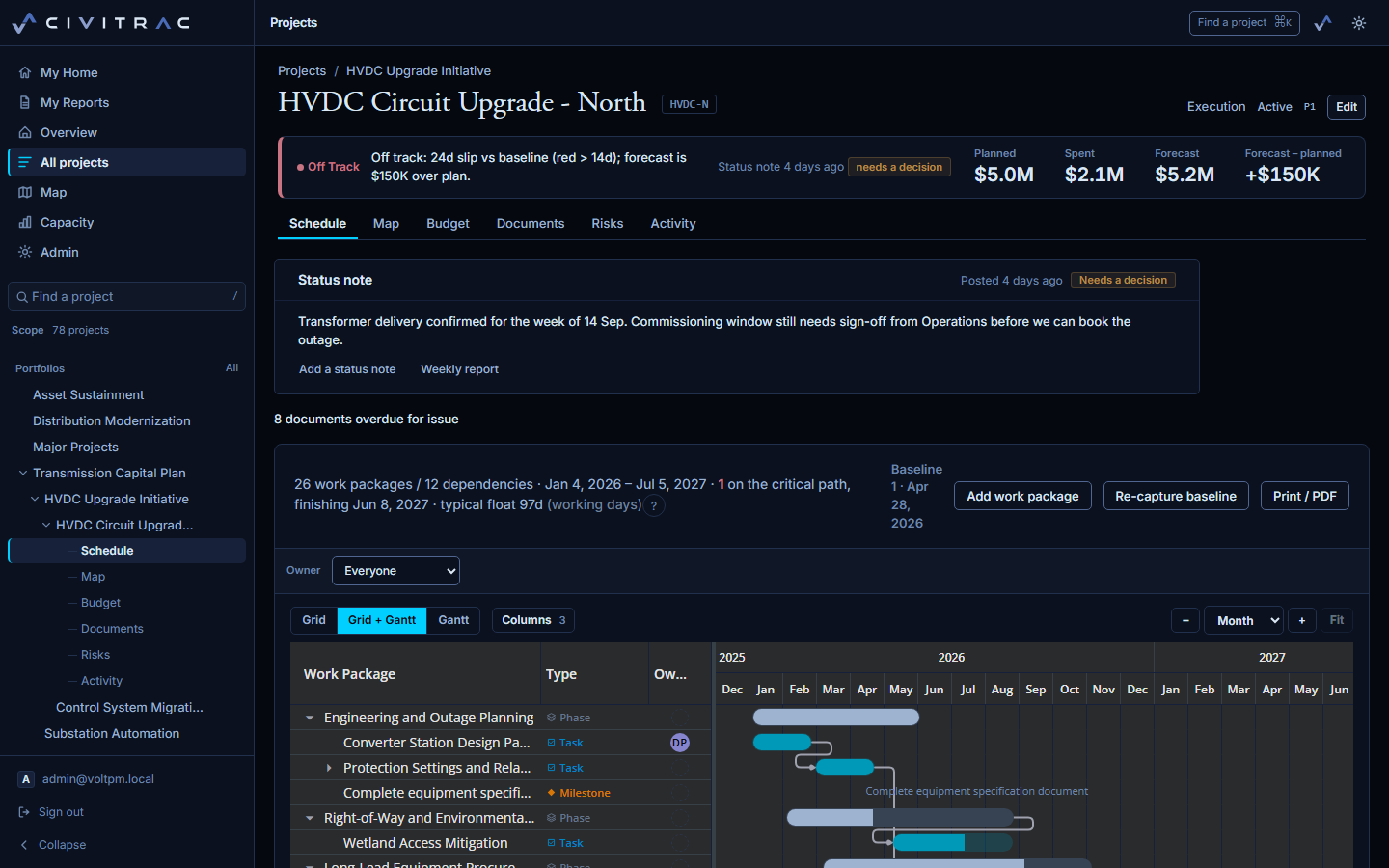
The strip under the title, the status note and its decision, the schedule with the critical path drawn.
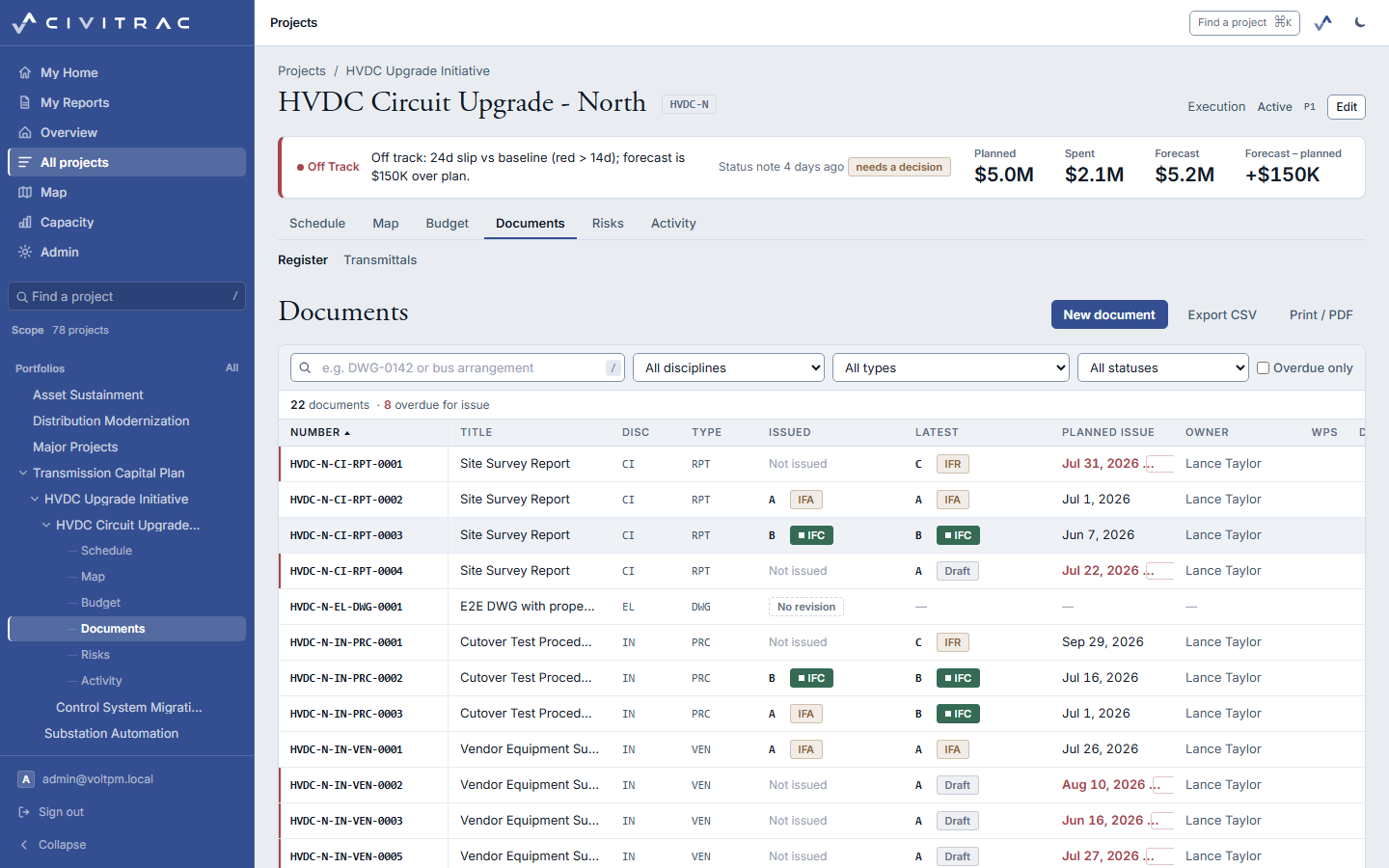
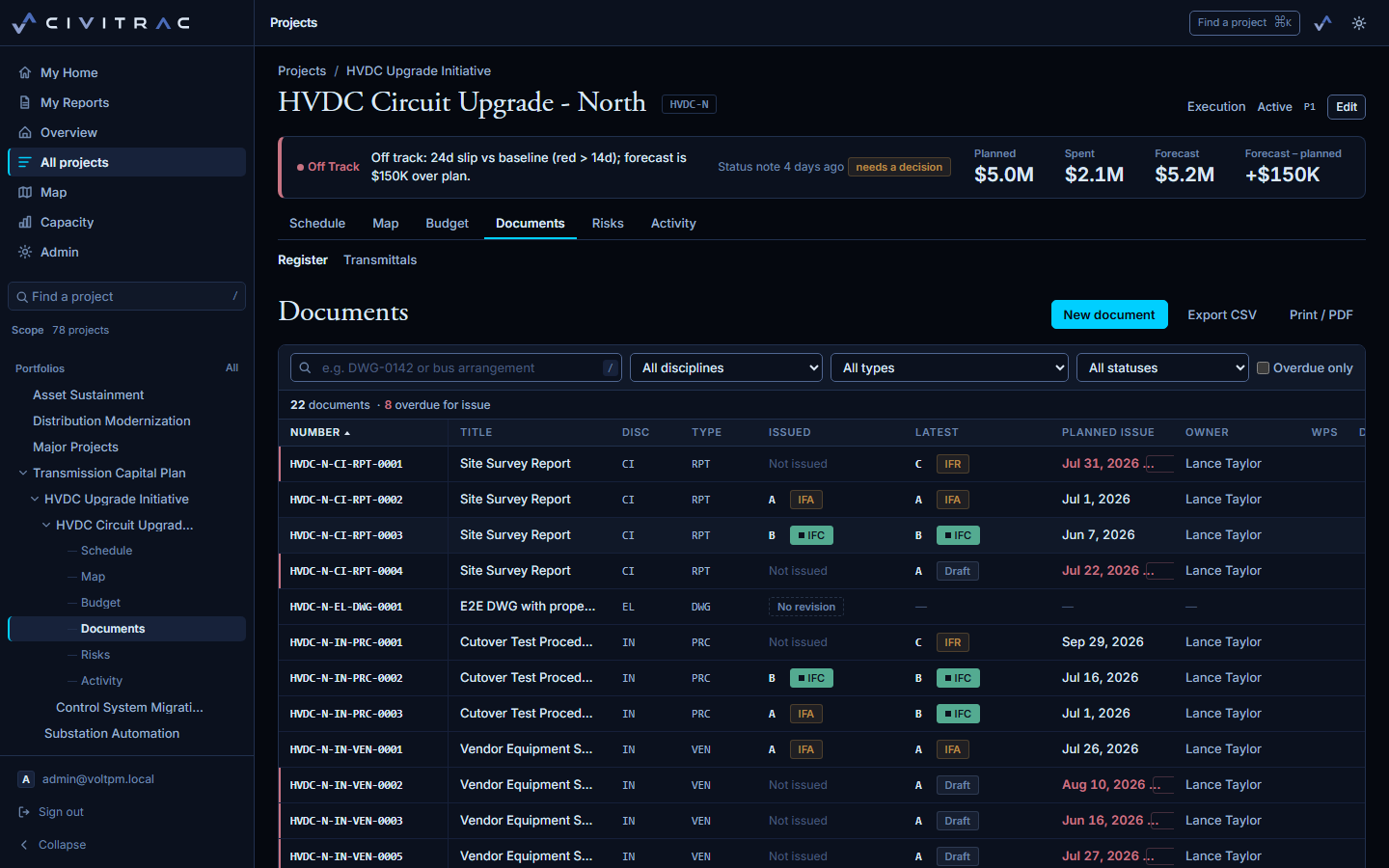
The register
Numbers, revisions, planned issue dates, and the overdue count where the PM sees it.
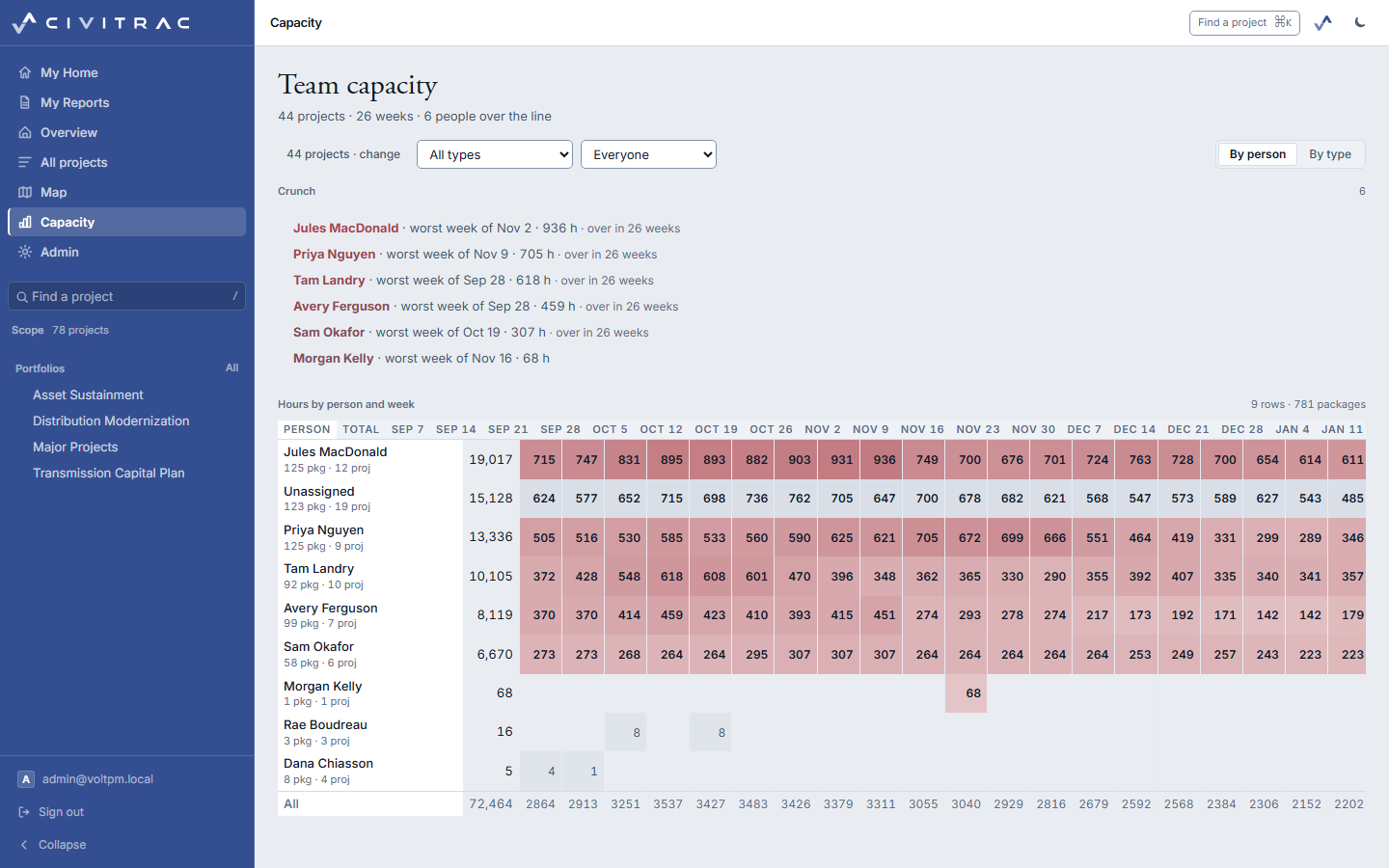
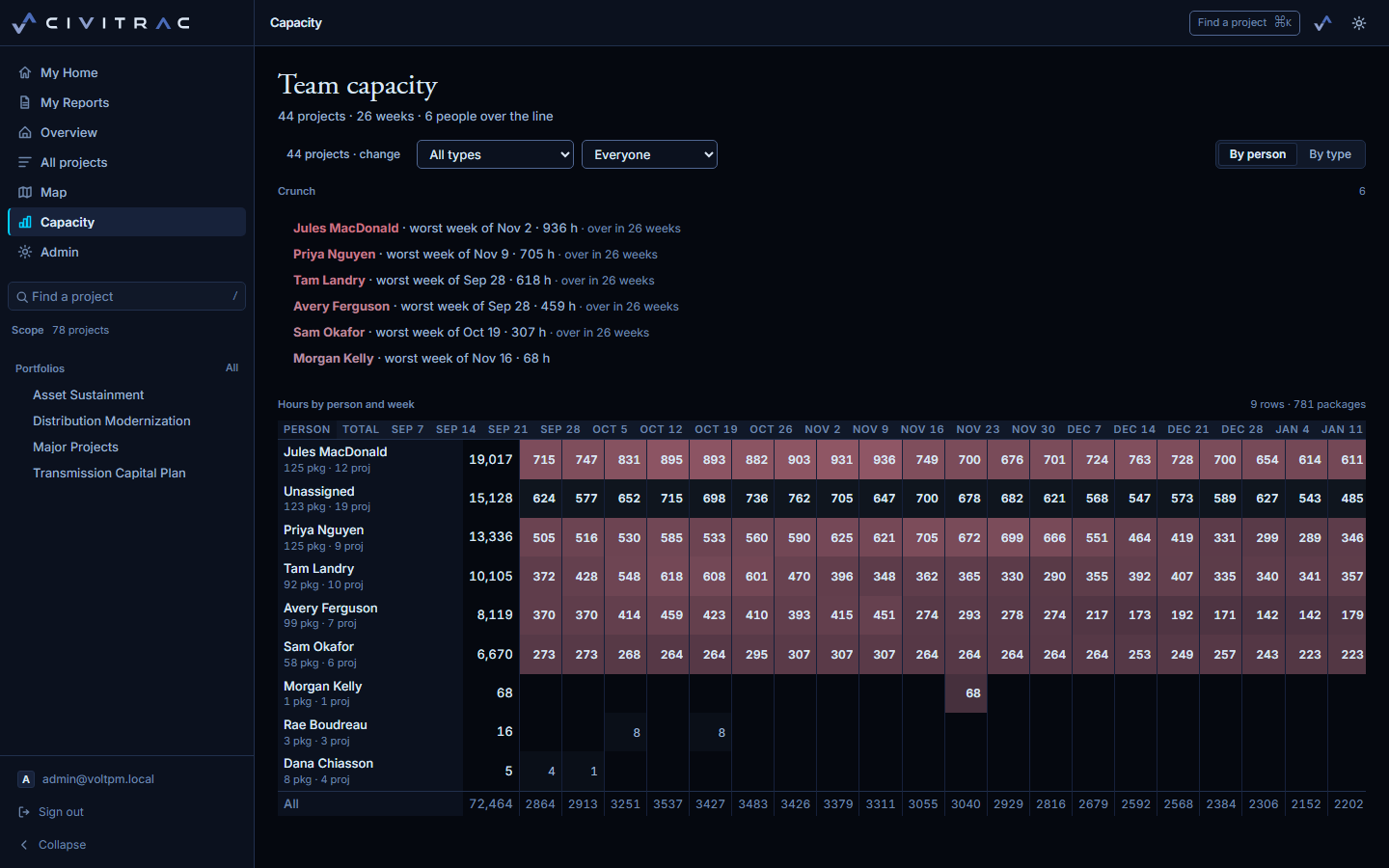
The people
Hours by person and week across every project, and the weeks over the line.
Already have an account
Sign in with the email and password you were given.